HOME / FEATURES / APPLE WATCH
Start a fast, watch the ring fill, log water and end the fast without reaching for your phone. The stage name sits under the clock, and the ring changes color as you cross each one.
A full Burn app on watchOS, not a notification relay.
Requires watchOS 11
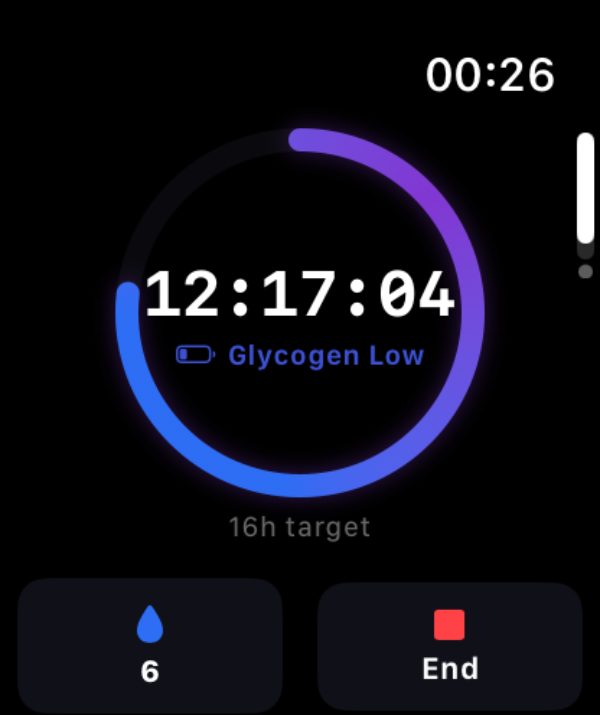

The ring
Each stage family carries its own gradient, so a glance at your wrist is enough to know roughly where you are. Blue through purple for the early hours, amber once fat burning is named, green in the long stages.

16H TARGET MET
The ring closes when you reach your goal. Keep going and Burn keeps counting.
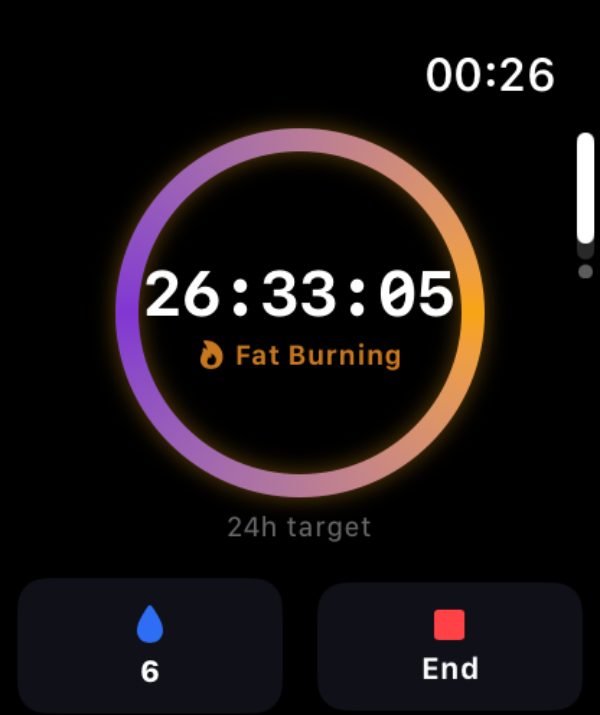
PAST 24 HOURS
The gradient warms as the fast passes a full day. Same ring, different family.
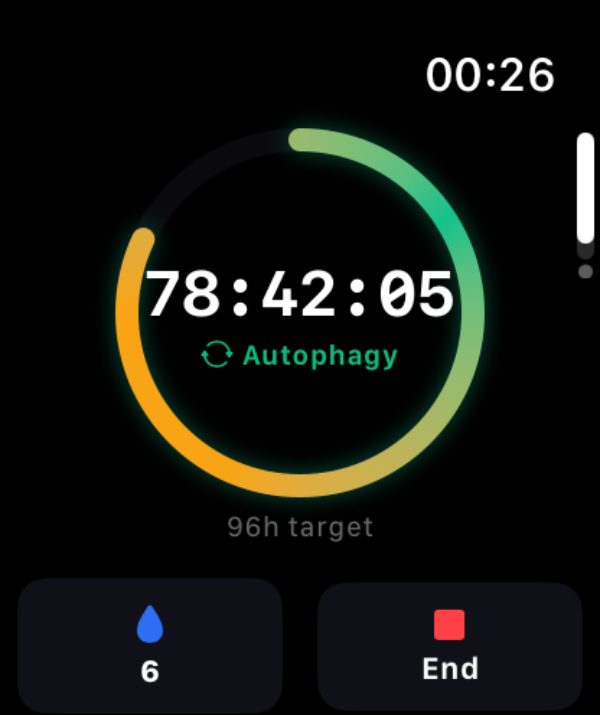
96H TARGET
Long fasts get their own green family, and the target scales with the plan you set.
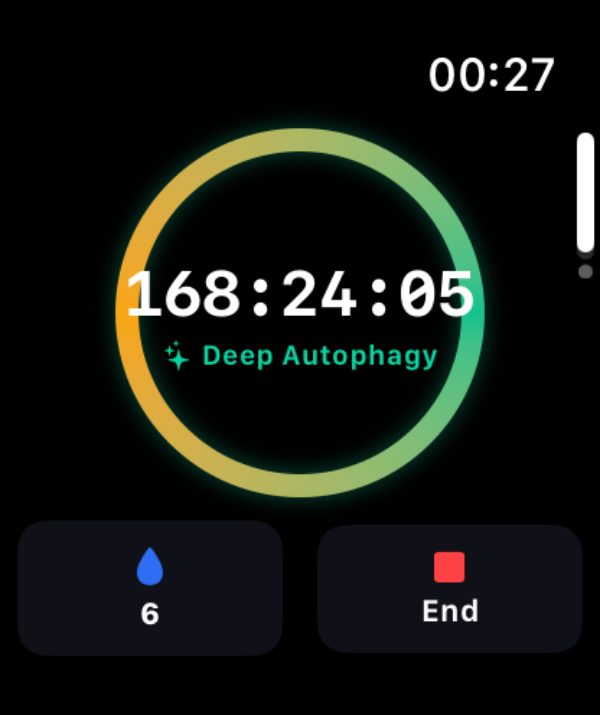
SEVEN DAYS
The clock keeps reading in hours all the way out, so a week reads as 168.
Burn maps elapsed time to named stages. It does not measure ketosis, autophagy, or metabolic state.
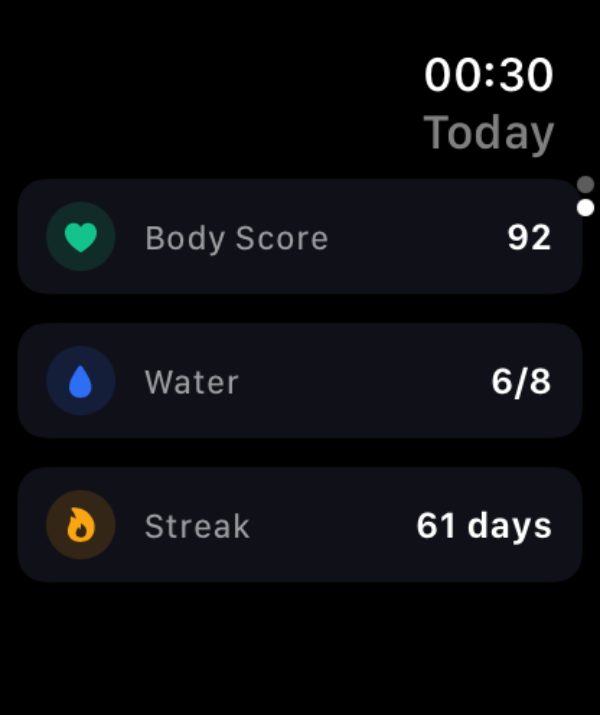
Today
Swipe across from the timer for the day in one screen: your Body Score, your water against target, and the streak you are protecting.
The same Burn product score out of 100 that the phone shows, built from your fasting, hydration and consistency, plus sleep and activity when Apple Health is connected.
Tap the drop on the timer screen to log a glass. It counts toward the daily target you set, and feeds your score.
Completed fasts in a row, with Streak Freezes for the days life gets in the way.
Without the phone
The watch app runs the fast rather than reporting on it.
Start Fast sits on the idle screen, End on the timer. Both sync straight back to your history.
Cross into a new stage and you feel it, so you learn the shape of your own fast without watching the clock.
The goal sits under the ring, from a 16h window to a 96h fast, so you always know how much is left.
One download covers iPhone, iPad, and Apple Watch, with your history shared across all three.
Download free on the App StoreiPhone, iPad, and Apple Watch. Requires iOS 18 or watchOS 11.